
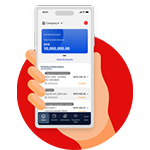

Business Account Application Form
Part A (Page 01) + Part C (Page 10,11,12 & 13) including Appendices
Letter of Authorisation
Refer to Appendix 3 for sample
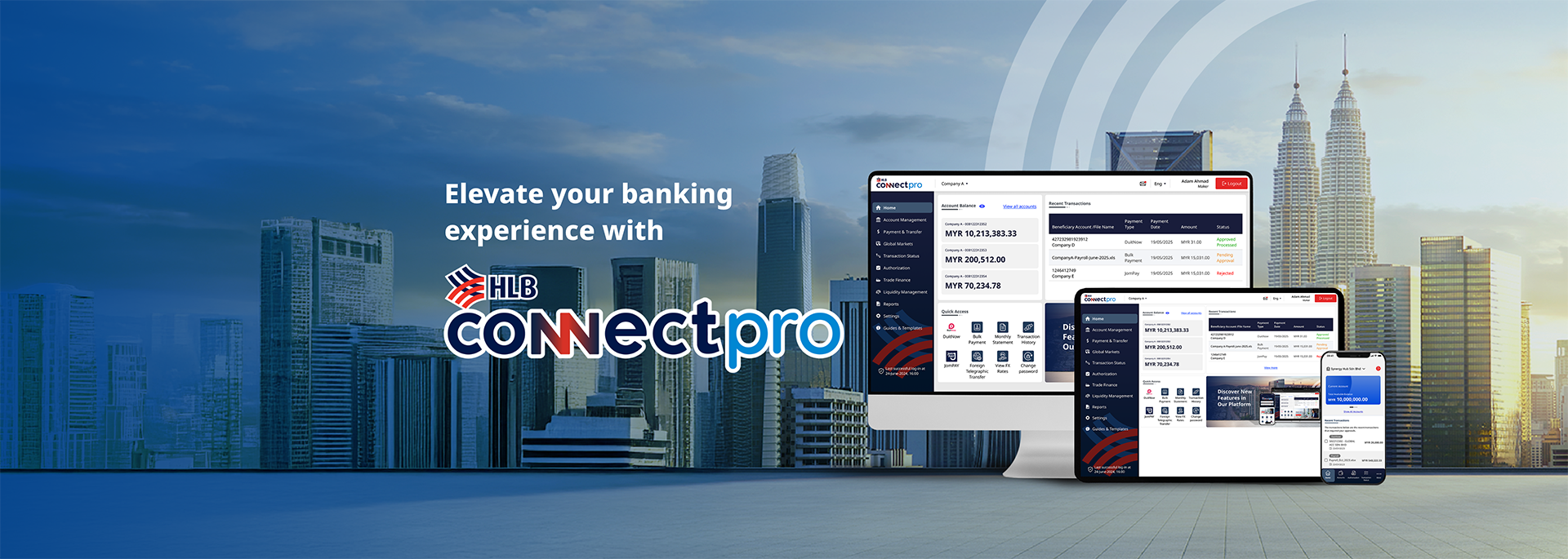
Welcome to HLB ConnectPro
Our new corporate internet banking platform designed to give you complete control over your business finances and manage your cash flow with greater efficiency
If you've received our email to upgrade to HLB ConnectPro, login here.
Run your business finances smarter and faster with our intuitive cash management platform, putting you in complete control of your cash flow and growth.

All of your business accounts, payments and receivables in one place giving you control of your finances.
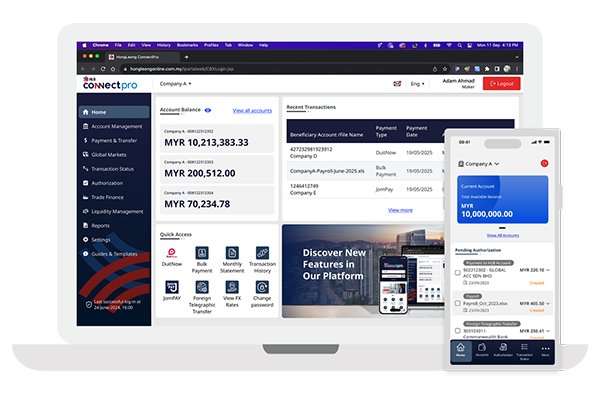
One platform for all your payment needs whether it be domestic or international.

Complete control and real time status updates on your payments and receivables.
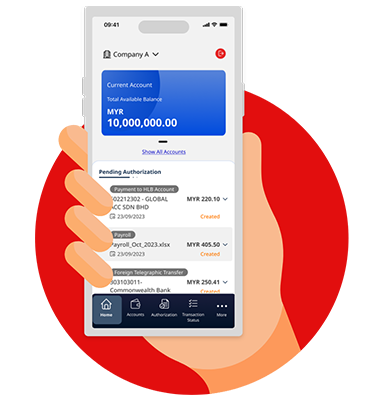
Access your accounts and authorize payments on the go with our HLB ConnectPro mobile application.

FX, liquidity, and trade solutions available digitally to give you greater control and convenience.

Step-by-step Guides for the All-new HLB ConnectPro
Have Questions?
Visit our Frequently Asked Questions (FAQ) below for quick answers.
You can sign up by downloading the application form under the Apply tab.
Your application will be processed within 3 business days (this doesn’t include weekends or public holidays).
You can find a list of our fees and charges under the Fees & Charges tab.
Live Training
Our team conducts live training sessions via Google Meet. Please email HLCPSupport@hlbb.hongleong.com.my for the schedule and details.
Self-Paced Learning
You can also access our video tutorials and user guides at any time for step-by-step instructions.
Please contact our support team at HLCPSupport@hlbb.hongleong.com.my or +603-7661 7777 from Monday to Friday from 9am to 6pm (excluding public holidays).
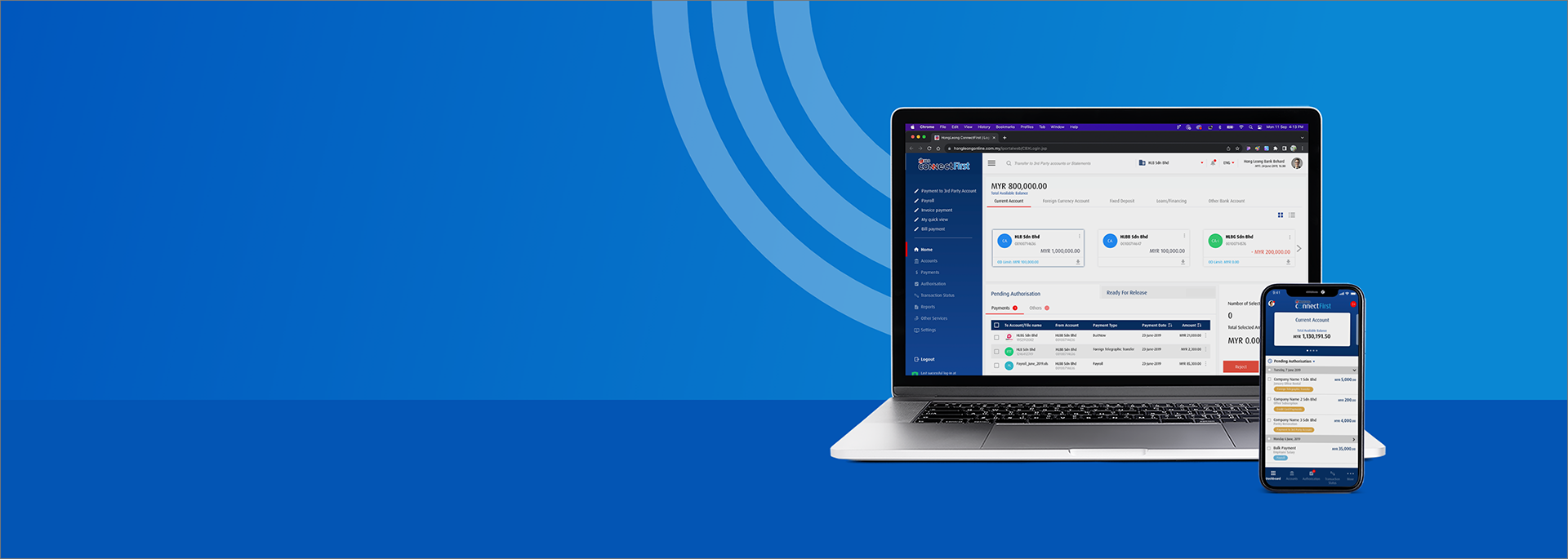
A Powerful Cash Management Solution for
Your Business Needs
Effortlessly take control of your business finances
Account Statements and Payment Records
View and download up to 24 months of statements and payment history anytime on web or mobile. Stay on top of your finances with easy access whenever you need it.
Transaction History
Easily view your recent transactions across all your accounts. Stay informed and in control with a clear, up-to-date record of your spending and transfers.
Download Statements
Download your statements and reports in the format you need for easier tracking and smooth reconciliation.
Manage Local and International Payments
Send money locally or overseas with ease. Make payments via DuitNow, IBG, Foreign Telegraphic Transfer and more, all from one convenient platform.
All Your Accounts in One View
Easily see your savings, loans, and more in one place. You can also view accounts you hold with other banks for better control over your finances.
Simplify Bulk Payments
Make bulk payments faster with ready-to-use templates available on the platform. Save time and reduce errors with every transaction.
Instant Payments to Suppliers and Statutory Bodies
Pay suppliers, bills, and statutory bodies like KWSP, Tabung Haji, and LHDN instantly from one platform.
Trade Transactions and Facilities at a Glance
Instantly view your latest trade transactions and facilities in one place for better visibility and control.
Monitor Transactions with Ease
Keep track of both outstanding and completed trade transactions in one convenient view.
Download Trade Advices Anytime
Access and download your trade advices easily whenever you need them.
Upload Trade Documents Online
Submit your trade documents digitally without the need to visit a branch.
FX Booking in HLB ConnectPro
Book your foreign exchange transactions directly within the platform for greater convenience.
View Daily Counter Rates
Stay informed with up-to-date FX counter rates at a glance.
Search FX Bookings by Date
Easily find past FX bookings by transaction date using the built-in search function.
Track Outstanding FX Contracts
View all your active FX contracts in one place for better oversight and planning.
Get Customised LiveFX Rates
Access live FX rates tailored to your business needs in real time.
Cooling-Off Period
The Cooling-Off Period is an enhanced security measure designed to protect your account.
When you log in for the very first time, there will be a 12-hour waiting period before you can start using your account.
Emergency Lock
Emergency Lock is a handy feature that you can activate when you suspect that you’ve fallen victim to a scam or your HLB Connect access has been compromised.
When you activate this feature, all new transactions on HLB ConnectPro will be blocked (except for scheduled instructions/recurring transactions that have been set before you activated this feature). You will still be able to access your
HLB ConnectPro Online & App to view your account balance. Your credit or debit card/-I transactions outside of HLB ConnectPro will not be impacted by this feature.
Please contact us immediately at 03 7661 7777 after activating this feature to get guidance on the next steps.
Emergency Lock is available on HLB ConnectPro Mobile App and HLB ConnectPro Online. You can locate it here:
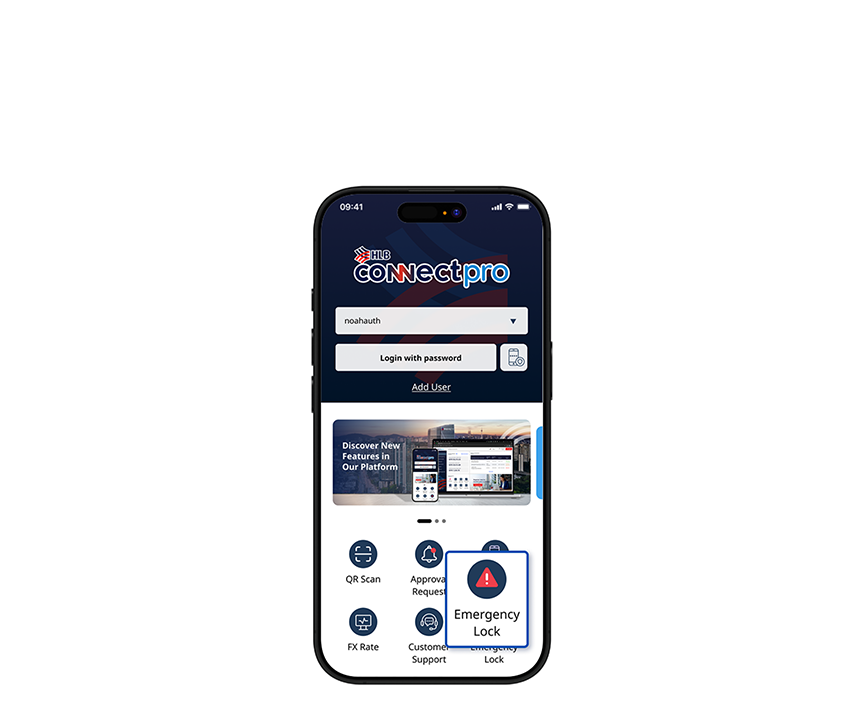
On the HLB ConnectPro App login screen, tap on the ‘Emergency Lock’ icon.
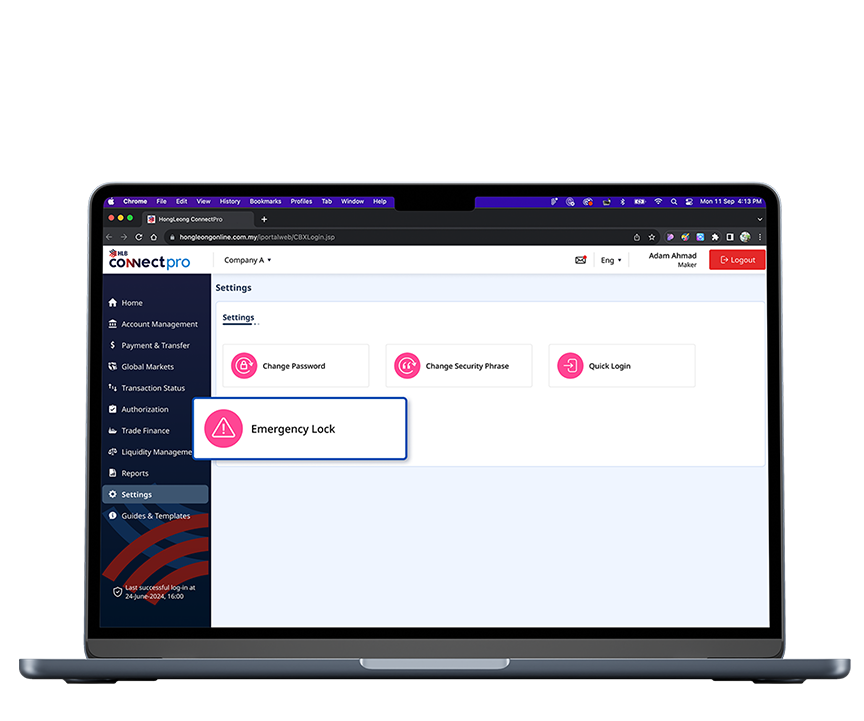
Go to the Settings page on the HLB ConnectPro Online website and click the ‘Emergency Lock’ button.
Begin Your Business Journey With HLB ConnectPro
Open your account by following the steps below
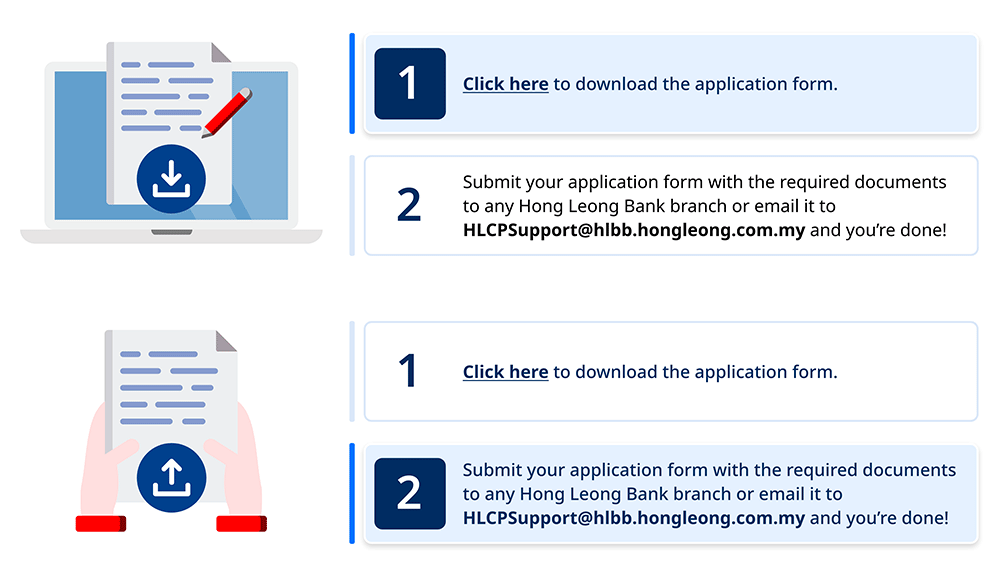

Application and Document Checklist
Documents
Other Business Account Linkage (If Applicable)
Other Documents (If Applicable)
Documents
Other Business Account Linkage (If Applicable)
Other Documents (If Applicable)

Terms & Conditions:
HLB Corporate Internet Banking
Safer Banking Experience with HLB ConnectPro
Hong Leong Bank Security Features
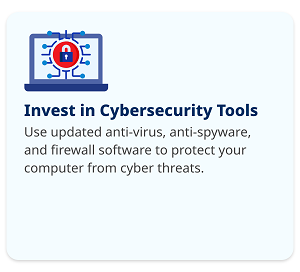
Hong Leong Bank incorporates robust security measures to protect your online banking experience:
Secure Mobile Banking
Our app uses multi-layered encryption and real-time monitoring to keep your data and your transactions safe, so you can bank with total confidence.
Supported Mobile Operating Systems
To ensure optimal performance and security, please ensure your device meets the following minimum requirements:
iOS: Version 17 or later
Android: Version 14 or later
HarmonyOS: Version 4.0 or later
Note: We highly recommend keeping your device's operating system up to date at all times.




Automatic Logout
The system will log you out after a period of inactivity.

Dormant Account
Your account will be deactivated if there is no login activity for 90 days.

Login Attempts
After 3 unsuccessful login attempts, your ID will be automatically blocked.

Encryption
Transactions are secured with up to 256-bit encryption, enabled by EV SSL certificates.
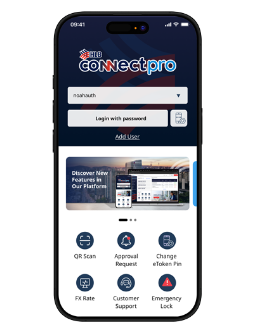
eToken
Registered on your mobile device, this authentication factor replaces the need for a physical token for login, account inquiry, and payment authorization.
Secure Your Device
Protect your smartphone or tablet with a strong passcode, fingerprint, or facial recognition.
Keep Your ePIN Private
Never share your eToken’s ePIN with anyone.
Approve Knowingly
Only approve authentication requests on your eToken when you are initiating the action.
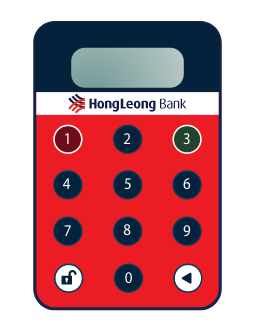
Physical Token
A small device providing strong, two-factor authentication with unique, time-sensitive codes. Requires both the code and your password for HLB ConnectPro access.
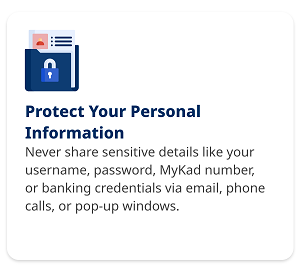
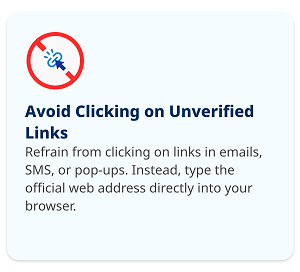
Take Your Security to the Next Level and Protect Yourself
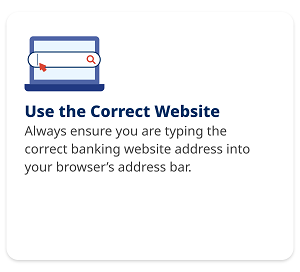
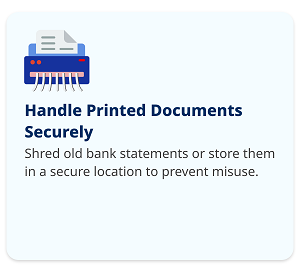
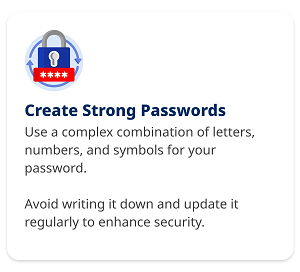
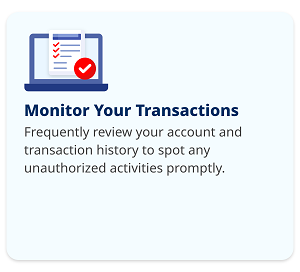
What to Do if You’ve Been Scammed
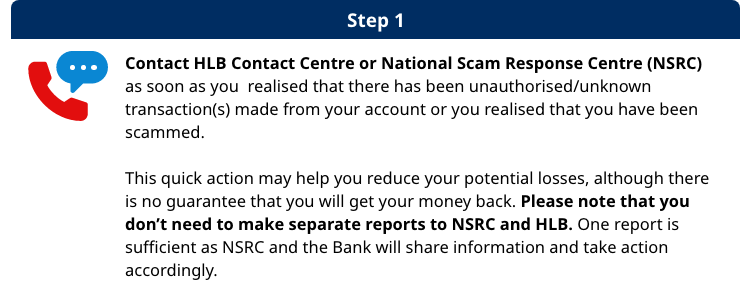


NSRC is an emergency response centre for online financial scam and fraud. It is an integrated operation involving the collaboration between the National Anti-Financial Crime Center (NFCC), Royal Malaysian Police (PDRM), Bank Negara Malaysia (BNM), Malaysian Communications and Multimedia Commission (SKMM) as well as financial institutions and the telecommunications industry. The NSRC brings together resources and expertise from all these parties to combat financial fraud more quickly and effectively. For more information on NSRC, click here for its FAQ.
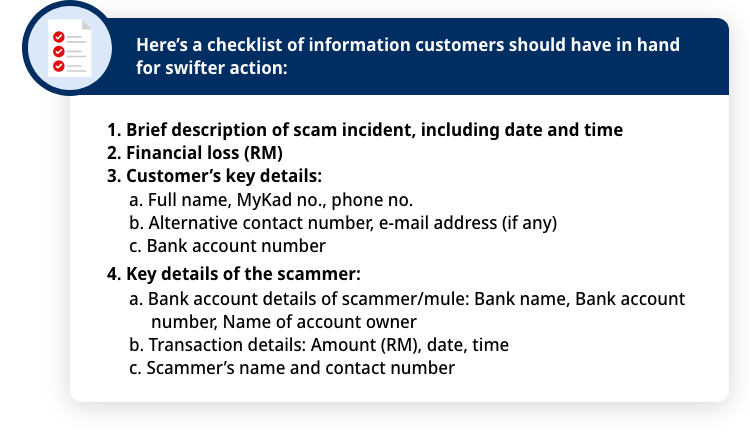

Still contact the Bank even though the scam/fraud happened a while ago (e.g. more than 24 hours) as by reporting to the bank, you are assisting the authorities in taking action against the perpetrators.
What Customers Can Expect After Reporting to the Bank or the NSRC:
Important Note for Customers:
Please make a police report at any police station as soon as possible within 24 hours. This will enable investigation by the authorities into your case.
If your account at HLB has been compromised, please also contact your other banks as soon as possible to protect and secure your other accounts, including changing passwords, freezing bank cards or temporarily blocking the accounts.
The NSRC, the police or the Bank will never ask for your personal banking information such as username, password, PIN number, TAC or OTP. If you receive such request, please hang up and contact HLB Contact Centre immediately.
If you are not satisfied with the outcome or resolution provided by the Bank, you can contact the Financial Ombudsman (contact details available below) for an independent review. They specialize in resolving financial disputes fairly and impartially.
Beware of the Latest Scams
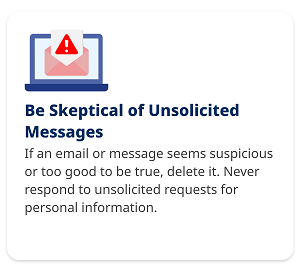
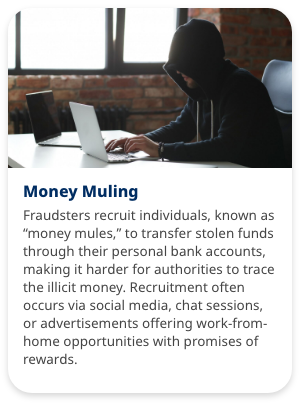
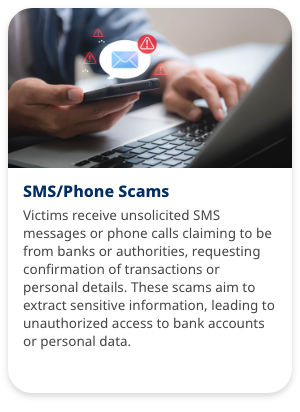
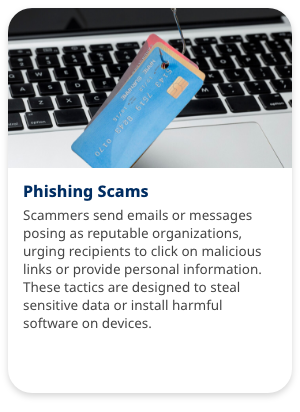
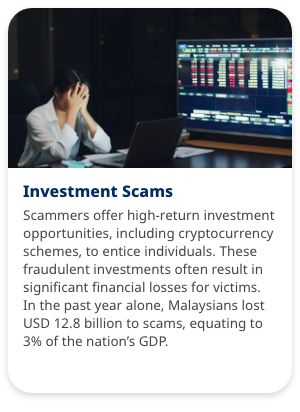
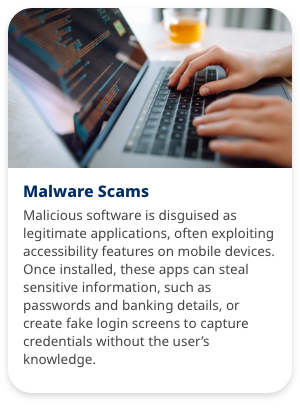
Fraudsters are constantly developing new ways to deceive victims. Stay informed about these common scams:

Service Request Forms
Effortlessly take control of your business finances, from tracking balances to automating payroll, 24/7
Other Templates
Other Templates (Without Header)
Fees & Charges
Find out the fees & charges of our product & services
|
Items |
Channels |
||||
|---|---|---|---|---|---|
|
Business Online Banking |
Mobile Banking |
ATM |
Over-the- counter (OTC) |
||
|
Fees and charges (RM per transaction) |
Transaction value ≤ RM5,000 |
Transaction value > RM5,000 |
N/A |
N/A |
N/A |
|
(i) Sole-proprietors, partnership and SME¹ |
Waived |
a minimum fee of RM0.50 may be charged |
|||
|
(ii) Other corporates |
a minimum fee of RM0.50 may be charged |
||||
|
Daily transaction limit (RM per day) |
|||||
|
(i) Sole-proprietors, partnership and SME¹ |
Businesses to specify own limit. DuitNow per transaction limit is RM10 million |
||||
|
(ii) Other corporates |
|||||
|
Payment reference |
|||||
|
(i) Availability of payers’ names and payment references in beneficiaries’ bank statement |
Yes |
||||
|
(ii) Availability of beneficiaries’ names and payment references in payers’ bank statement |
|||||
|
Operating hours |
24 hours |
||||
|
Crediting time |
|||||
|
(i) Monday - Friday |
Immediate |
||||
|
(ii) Non-business days |
|||||
|
Refund time |
N/A |
||||
*Subject toGovernment Tax, if applicable
¹ For manufacturing sector, sales turnover not exceeding RM50 mil or full-time employees not exceeding 200 workers; for services and other sectors, sales turnover not exceeding RM20 mil or full-time employees not exceeding 75 workers
|
Items |
Channels |
||||
|---|---|---|---|---|---|
|
Business Online Banking |
Mobile Banking |
ATM |
Over-the- counter (OTC) |
||
|
Fees and charges (RM per transaction) |
N/A |
N/A (For Sole Proprietors eligible for ATM cards, kindly refer to Bank Website for individual table for charges) |
|||
|
(i) Sole-proprietors, partnership and SME¹ |
FOC |
FOC |
|||
|
(ii) Other corporates |
|||||
|
Daily transaction limit (RM per day) |
|||||
|
(i) Sole-proprietors, partnership and SME¹ |
No limit (Businesses to specify own limit) |
No limit |
|||
|
(ii) Other corporates |
|||||
|
Payment reference |
|||||
|
(i) Availability of payers’ names and payment references in beneficiaries’ bank statement |
Yes |
Yes |
|||
|
(ii) Availability of beneficiaries’ names and payment references in payers’ bank statement |
|||||
|
Operating hours |
24 hours |
Branch opening hours |
|||
|
Crediting time |
|||||
|
(i) Monday - Friday |
Immediate |
N/A |
|||
|
(ii) Non-business days |
|||||
|
Refund time |
N/A |
N/A |
|||
*Subject to Government Tax, if applicable
¹ For manufacturing sector, sales turnover not exceeding RM50 mil or full-time employees not exceeding 200 workers; for services and other sectors, sales turnover not exceeding RM20 mil or full-time employees not exceeding 75 workers
|
Items |
Channels |
||||
|---|---|---|---|---|---|
|
Business Online Banking |
Mobile Banking |
ATM |
Over-the- counter (OTC) |
||
|
Fees and charges (RM per transaction) |
N/A |
N/A (For Sole Proprietors eligible for ATM cards, kindly refer to Bank Website for individual table for charges) |
|||
|
(i) Sole-proprietors, partnership and SME¹ |
RM0.10 |
RM0.30 |
|||
|
(ii) Other corporates |
|||||
|
Daily transaction limit (RM per day) |
|||||
|
(i) Sole-proprietors, partnership and SME¹ |
No limit (Businesses to specify own limit. IBG per transaction limit is RM1million) |
No limit (IBG per transaction limit is RM1million) |
|||
|
(ii) Other corporates |
|||||
|
Payment reference |
|||||
|
(i) Availability of payers’ names and payment references in beneficiaries’ bank statement |
Yes |
Yes |
|||
|
(ii) Availability of beneficiaries’ names and payment references in payers’ bank statement |
|||||
|
Operating hours |
24 hours |
Branch opening hours |
|||
|
Future-dated payments |
Yes |
N/A |
|||
|
Operating hours |
24 hours |
Branch opening hours |
|||
|
For All Channels |
|||||
|
Funds Availability (Payment initiated) |
|||||
|
(i) Monday - Friday (Business Days) |
Receiving Account Credited |
||||
|
Before 5:00a.m |
Same Business Day By 11:00a.m |
||||
|
5:00a.m to 8:00a.m |
Same Business Day By 2:00p.m |
||||
|
8:00a.m to 11:00a.m |
Same Business Day By 5:00p.m |
||||
|
11:00a.m to 2:00p.m |
Same Business Day By 8:20p.m |
||||
|
2:00p.m to 5:00p.m |
Same Business Day By 11:00p.m |
||||
|
After 5:00p.m |
Next Business Day By 11:00a.m |
||||
|
(ii) Saturday, Sunday and Federal Territory Public Holidays (Non-Business Days) |
|||||
|
Refund time (Refund initiated) |
|||||
|
(i) Monday - Friday (Business Days) |
Receiving Account Credited |
||||
|
Before 5:00a.m |
Same Business Day By 5:00p.m |
||||
|
5:00a.m to 8:00a.m |
Same Business Day By 8:20p.m |
||||
|
8:00a.m to 11:00a.m |
Same Business Day By 11:00p.m |
||||
|
11:00a.m to 2:00p.m |
Next Business Day By 11:00a.m |
||||
|
2:00p.m to 5:00p.m |
|||||
|
After 5:00p.m |
Next Business Day By 5:00p.m |
||||
|
(ii) Saturday, Sunday and Federal Territory Public Holidays (Non-Business Days) |
|||||
*Subject to Government Tax, if applicable
¹ For manufacturing sector, sales turnover not exceeding RM50 mil or full-time employees not exceeding 200 workers; for services and other sectors, sales turnover not exceeding RM20 mil or full-time employees not exceeding 75 workers
|
Items |
Channels |
||
|---|---|---|---|
|
Business Online Banking |
Mobile Banking |
Over-the- counter (OTC) |
|
|
Fees and charges (RM per transaction) |
N/A |
||
|
(i) Sole-proprietors, partnership and SME¹ |
RM2.00 |
RM5.00 |
|
|
(ii) Other corporates |
RM5.00 |
RM14.00 |
|
|
Payment reference |
|||
|
(i) Availability of payers’ names and payment references in beneficiaries’ bank statement |
Yes |
Yes |
|
|
(ii) Availability of beneficiaries’ names and payment references in payers’ bank statement |
|||
|
Operating hours |
24 hours |
Branch opening hours |
|
|
For All Channels |
|||
|
Crediting time |
N/A |
||
|
(i) Monday - Friday |
Within 30 minutes upon receipt of confirmation advices |
Within 30 minutes upon receipt of confirmation advices |
|
|
(ii) Non-business days |
N/A |
N/A |
|
|
Refund time |
|||
|
(i) For funds received
|
On the same working day based on best effort basis |
On the same working day based on best effort basis |
|
|
(i) For funds received
|
On the next working day |
On the next working day |
|
*Subject to Government Tax, if applicable
¹ For manufacturing sector, sales turnover not exceeding RM50 mil or full-time employees not exceeding 200 workers; for services and other sectors, sales turnover not exceeding RM20 mil or full-time employees not exceeding 75 workers
|
Items |
Channels |
||||
|---|---|---|---|---|---|
|
Business Online Banking |
Mobile Banking |
ATM |
Over-the- counter (OTC) |
||
|
Fees and charges (RM per transaction) |
N/A |
||||
|
(i) Sole-proprietors, partnership and SME¹ |
FOC |
||||
|
(ii) Other corporates |
|||||
|
Daily transaction limit (RM per day) |
|||||
|
(i) Sole-proprietors, partnership and SME¹ |
Businesses to specify own limit. JomPAY per transaction limit is RM1 million |
||||
|
(ii) Other corporates |
|||||
|
Operating hours |
24 hours |
||||
*Subject to Government Tax, if applicable
¹ For manufacturing sector, sales turnover not exceeding RM50 mil or full-time employees not exceeding 200 workers; for services and other sectors, sales turnover not exceeding RM20 mil or full-time employees not exceeding 75 workers
|
Items |
Channels |
|||||
|---|---|---|---|---|---|---|
|
Business Online Banking |
Mobile Banking |
ATM |
Over-the- counter (OTC) |
|||
|
Fees and charges (RM per transaction) |
Value/ Currency |
SGD |
Other Currencies |
N/A |
N/A |
All Currencies |
|
(i) Sole-proprietors, partnership and SME¹ (ii) Other corporates |
Transaction value ≤ RM5,000 |
Cable Charges RM12.00 Commission RM2.00 |
Cable Charges RM20.00 Commission RM2.00 |
Cable Charges RM30.00 Commission RM2.00 |
||
|
Transaction value > RM5,000 |
Cable Charges RM12.00 Commission N/A |
Cable Charges RM20.00 Commission N/A |
Cable Charges RM30.00 Commission N/A |
|||
|
Daily transaction limit (RM per day) |
||||||
|
(i) Sole-proprietors, partnership and SME¹ |
Businesses to specify own limit |
No limit |
||||
|
(ii) Other corporates |
||||||
|
Operating hours |
*Subject to Currency Cut-Off Time |
Branch opening hours |
||||
|
Crediting time |
||||||
|
(i) Monday - Friday |
*Subject to Currency Cut-Off Time |
*Subject to Currency Cut-Off Time |
||||
|
(ii) Non-business days |
||||||
|
Refund time |
N/A |
N/A |
||||
*Subject to Government Tax, if applicable
¹ For manufacturing sector, sales turnover not exceeding RM50 mil or full-time employees not exceeding 200 workers; for services and other sectors, sales turnover not exceeding RM20 mil or full-time employees not exceeding 75 workers
|
Transaction Authorised by Customer |
Processed by Bank |
||
|---|---|---|---|
|
Authorise Day |
Authorise Time |
Currency |
Processing Day |
|
Monday - Friday (Business Days) |
12:00a.m to 10:00a.m |
NZD |
Same Business Day |
|
After 10:00a.m |
Next Business Day |
||
| 12:00a.m to 10:30a.m | AUD | Same Business Day | |
| After 10:30a.m | Next Business Day | ||
| 12:00a.m to 2:00p.m |
AED, BDT, BND, CAD,CHF, DKK, EUR, GBP, HKD, IDR, INR, JPY, NOK, PHP, SAR, SEK, SGD, THB, USD & ZAR |
*Same Business Day |
|
| After 2:00p.m | All currencies in HLB ConnectPro | Next Business Day | |
|
Saturday, Sunday and Federal Territory Public Holidays (Non-Business Days) |
Anytime |
All currencies in HLB ConnectPro |
Next Business Day |
Notes
FOREX rates for Foreign Telegraphic Transfer (FTT) is based on the rate prevailing on the processing day or contract rate (if applicable).
*Transaction will be processed on the same business day provided supporting documents submitted to the domicile branch by 2:00pm.
The FTT processing is based on Kuala Lumpur Federal Territory banking days and actual value date is subjected to currency cut-off times.
The total processing time to credit into the beneficiary’s account is depending on the agents and/or beneficiary’s banks.
|
Items |
Sole-proprietors, partnerships, societies and SME ¹ |
Other corporates |
|---|---|---|
|
Other related charges |
||
|
(i) Maintenance / subscription fee |
Waived |
RM30 |
|
(ii) Security tokens eTokens Physical tokens |
Waived RM50 per token |
|
|
(iii) Annual digital certificates |
RM10 p.a |
|
|
(iv) Salary payment / payroll |
No separate charge |
|
|
(v) Notification / SMS |
N/A |
|
|
(vi) Training |
Online Guide available |
|
*Subject to Government Tax, if applicable
¹ For manufacturing sector, sales turnover not exceeding RM50 mil or full-time employees not exceeding 200 workers; for services and other sectors, sales turnover not exceeding RM20 mil or full-time employees not exceeding 75 workers
To get listing of Individual and Business e-payment services offered by banking institutions in Malaysia and comparison of fees please click here.